It is possible to create custom textures to change makeup/tattoos.
The texture must be in PNG format and 2048px in size.
It is possible to use colors, but if you want to change the color in the game, you must draw in white. (Black will remain black in the game.)
Textures are located in the game folder here:
Windows / Linux: TheVoreGame_Data/Assets/Images/
MacOs: /Users/XXX/Library/Application Support/Saeder/TheVoreGame/Images
To create custom textures for the eyes, lips, and tattoos, simply rename the file according to the table below and edit the image.
| File used in game | Sample | |
| Eyes.png | Eyes.Sample.png | Eyes makeup |
| EyesTexture.png | EyesTexture.Sample.png | Eyes texture |
| Lips.png | Lips.Sample.png | Lip makeup |
| Tattoo.png | Tattoo.Sample.png | Custom tattoo |
| Tattoo1.png | Tattoo1.Sample.png | Custom tattoo |
There are two other files:
Player UV.obj
For use in 3D software to apply textures. ( Blender, … )
Player UV.png
The UV for the body
Create a tattoo with Gimp.
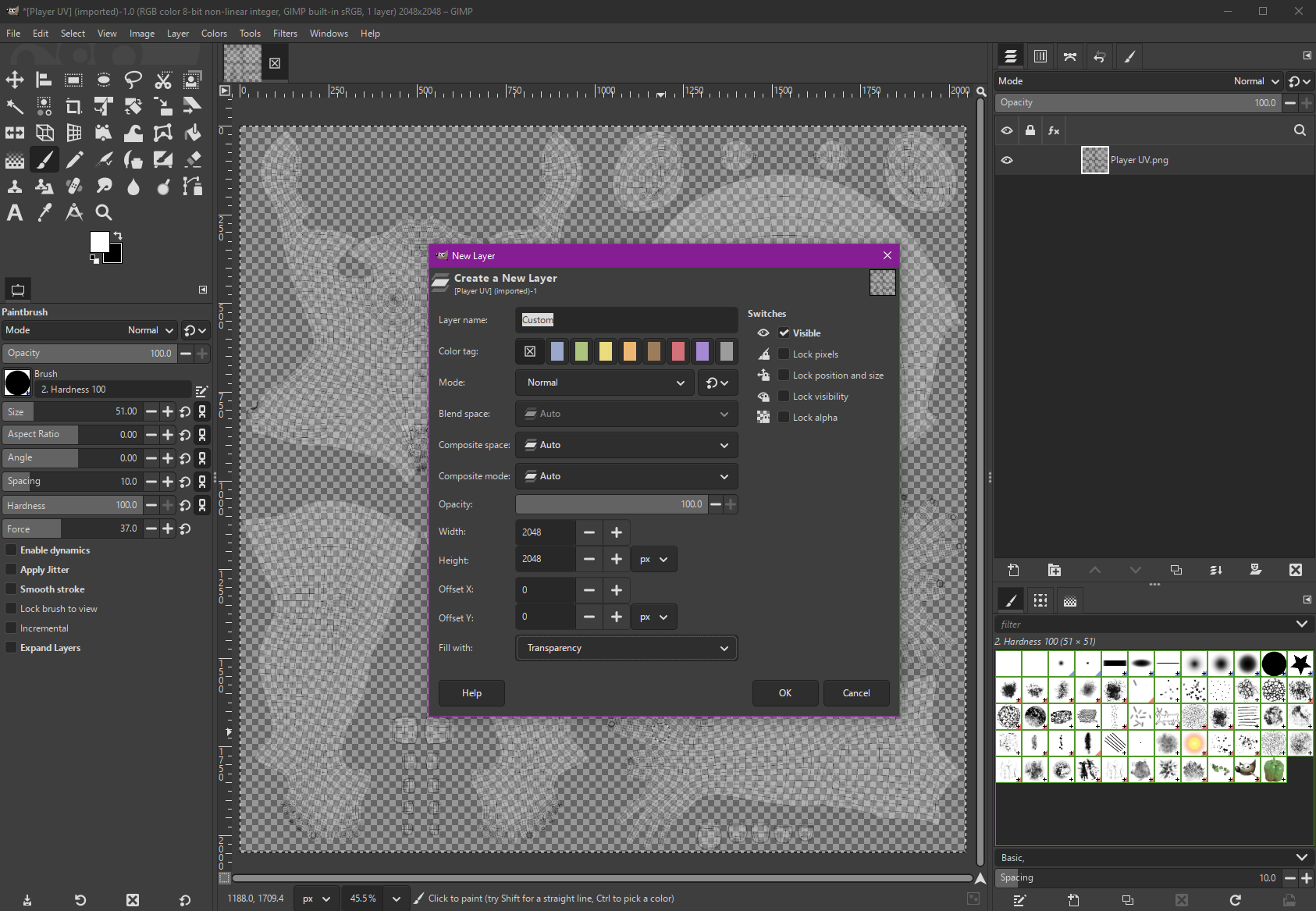
- Open the image ‘Player UV.png’
- Add a new transparent layer
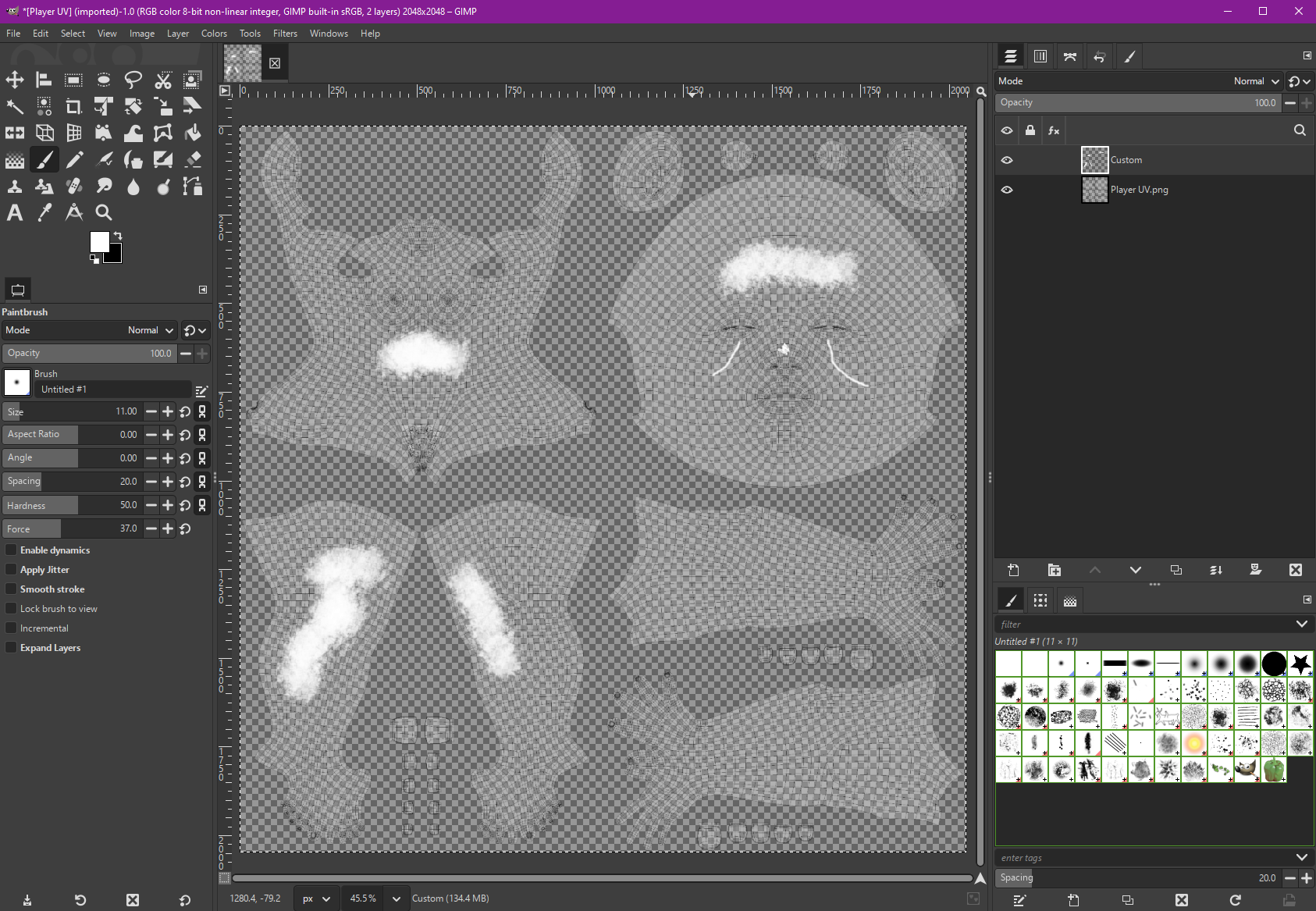
- Select the new layer and draw a nice tattoo
- Hide the ‘Player UV’ layer
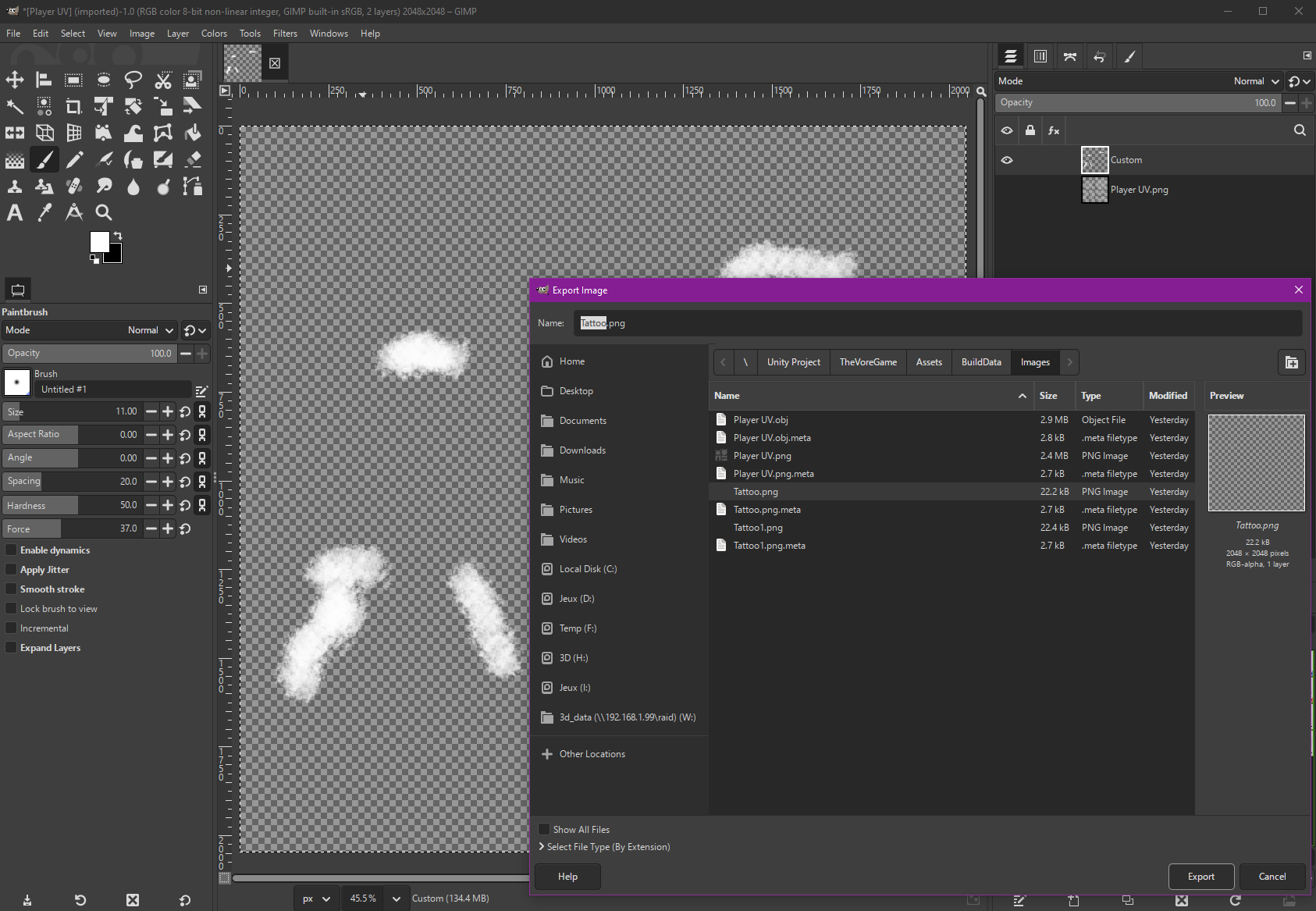
- Export the image (File -> Export As…) to …../TheVoreGame_Data/Assets/Images/Tatoo.png
- That’s it.